This guide preserves the original software documentation. Screens and instructions may vary by version.
Downloading ADISRA SmartView
To download ADISRA SmartView, please follow the steps below.
1. Click on the Download link in the upper banner main menu as shown in the image below.
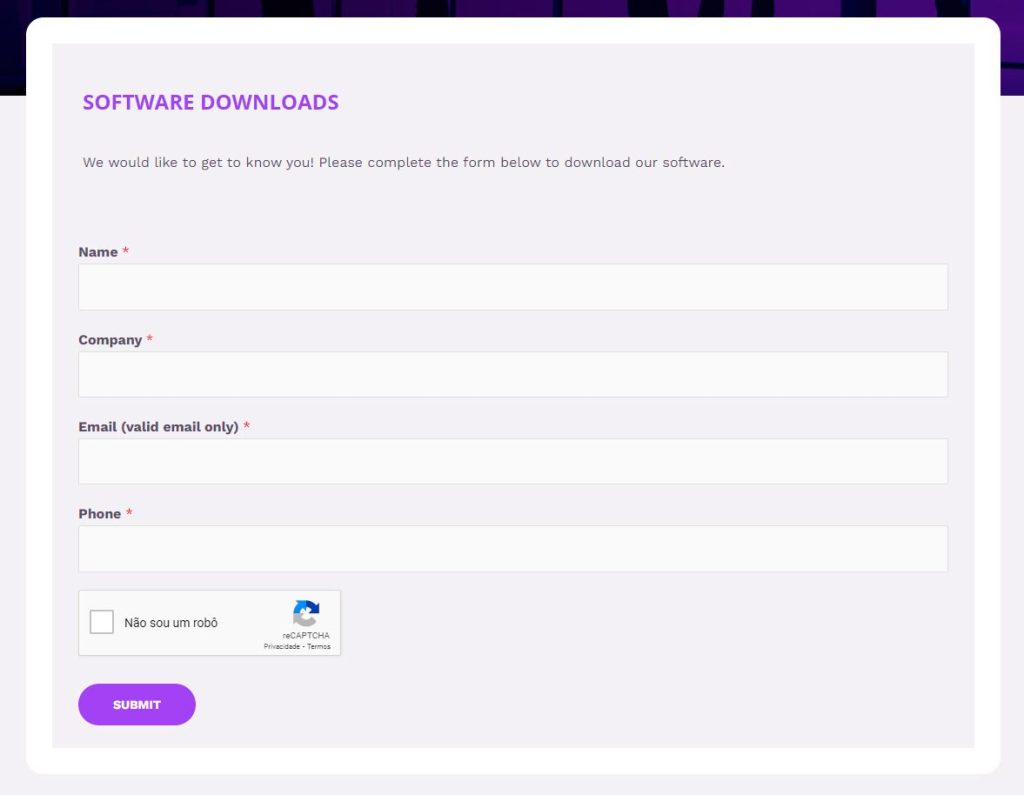
2. Add the required information in the download form and select Submit.
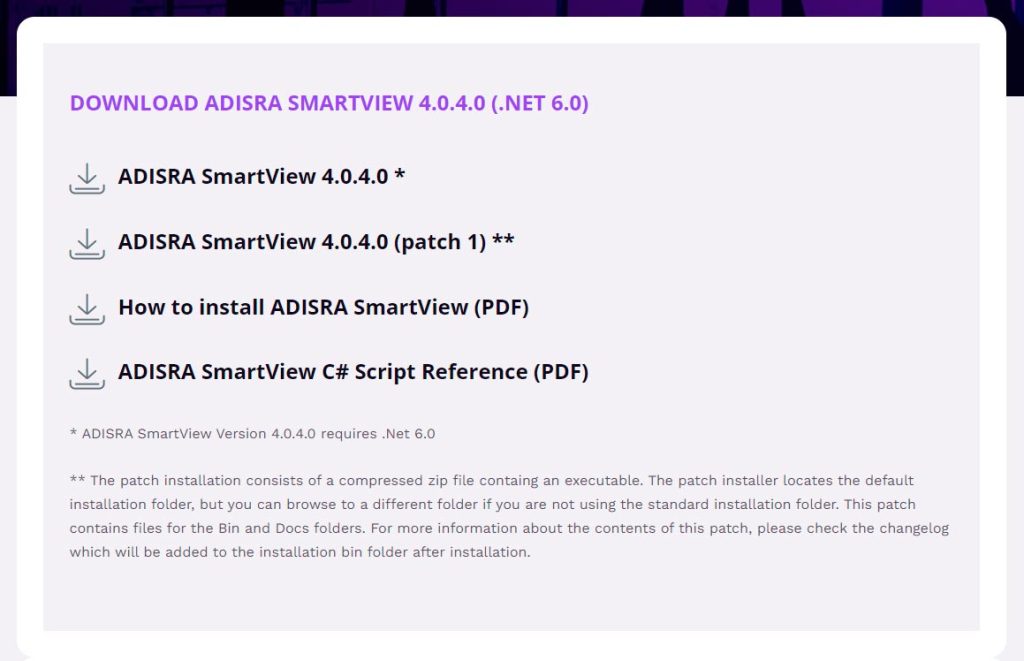
3. After it has been submitted, you will be redirected to the download page. Click on the installer link and wait for completion;