This guide preserves the original software documentation. Screens and instructions may vary by version.
Align

Description
The Align options will help with positioning different objects to design Graphics with ease.
NOTE: The referenced object is the last object selected.
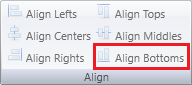
Align Bottoms
Align the bottoms of the objects, 2 or more objects, to the same bottom height of the referenced object.
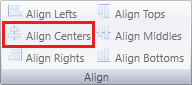
Align Centers
Align the centers of the objects, 2 or more objects, to the same center of the referenced object.
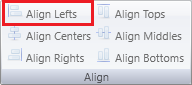
Align Lefts
Align the left sides of the objects, 2 or more objects, to the same left of the referenced object.
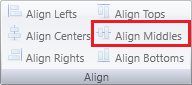
Align Middles
Align the middles of the objects, 2 or more objects, to the same middle of the referenced object
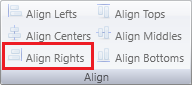
Align Rights
Align the right sides of the objects, 2 or more objects, to the same right of the referenced object.
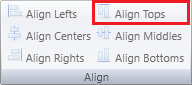
Align Tops
Align the tops of the objects, 2 or more objects, to the same top height of the referenced object.